
The Ulanzi TC002 Pixbar Smart Pixel Clock II is a clock with a 16×52 LED pixel canvas and a built-in battery. What makes it interesting to me is the HTTP API: I can send it GIFs and text, so I can decide what belongs on that little screen.
I vibe coded ulanzi-tc002 to work with it. Two uses have become part of my day: animated pixel art from my Grok Bot, and a display that tells me whether my coding agents are still working.
For the pixel art, I ask my Grok Bot to generate a random animated GIF and send it to the clock. The bot reads my calendar, local weather, and current world news to choose something relevant to the time. There is room for surprise, but the result has some connection to what is happening around me.
The chat hiastory shows how this works: an easel and palette for painting practice at 19:00, then a twinkling crescent moon for a clear evening with nothing coming up on my calendar.
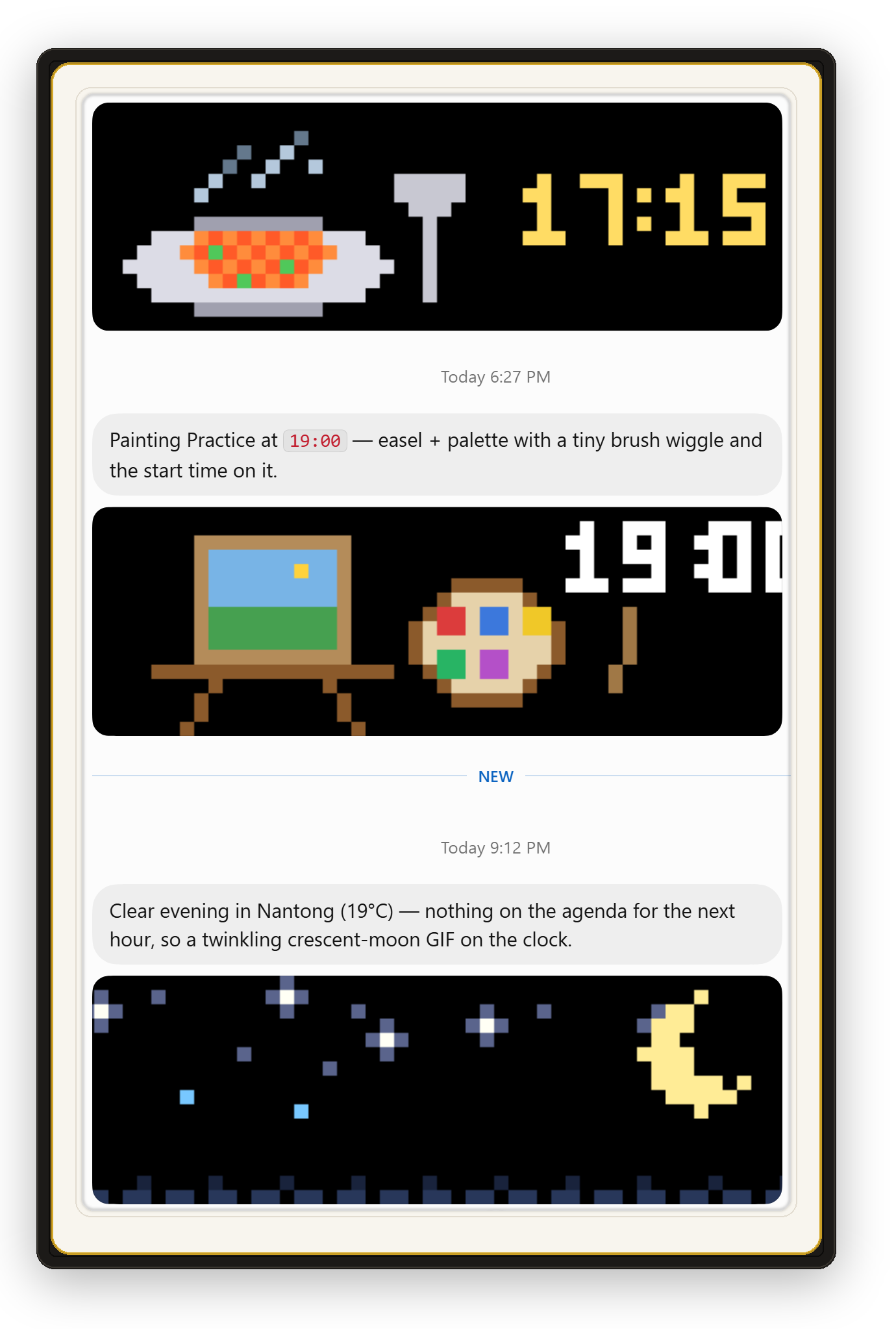
That combination is what I enjoy: a little useful information, expressed through a funny animation. A tiny pixel canvas gives the bot a different way to present the day. I can glance at it and get something timely, with a bit of personality.
The other use is more practical. I put my coding agents’ status on the clock so I can see when they have stopped working.
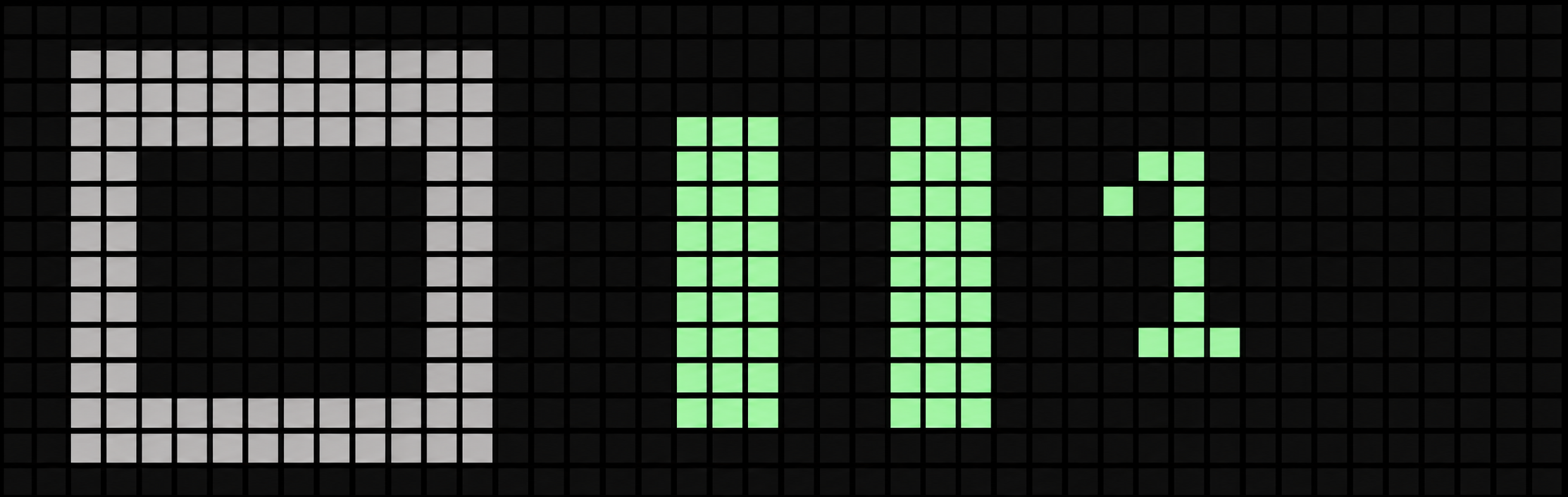
The battery matters here. When I step away from my computer, I can take the clock with me. Once the display shows that the agents have stopped, I know it is time to go back and check the results. The clock gives me enough information to decide when to return; I still review the actual work at the computer.
Both uses share the same small piece of plumbing. My project runs a server that manages named text and image pages on the clock, with an HTTP API, a command-line client, and MCP tools. Images are fitted to the 52-pixel-wide, 16-pixel-high canvas, animated GIFs loop on the device, and longer text scrolls. I can turn the clock’s knob to switch between pages.
That makes it easy to connect another script or bot: give it a page and let it update the content. The clock handles the display, while the software decides what to show.
This has been a satisfying use of vibe coding. I had two small things I wanted in my everyday environment, and now they have a physical place: a funny animation to glance at, and a signal that my agents are ready for my attention.